 HMG Tools

HMG Print Run
One ProRes master in, every deliverable out. HMG Print Run makes each version, names every file to your convention, and checks it against its spec before you send.
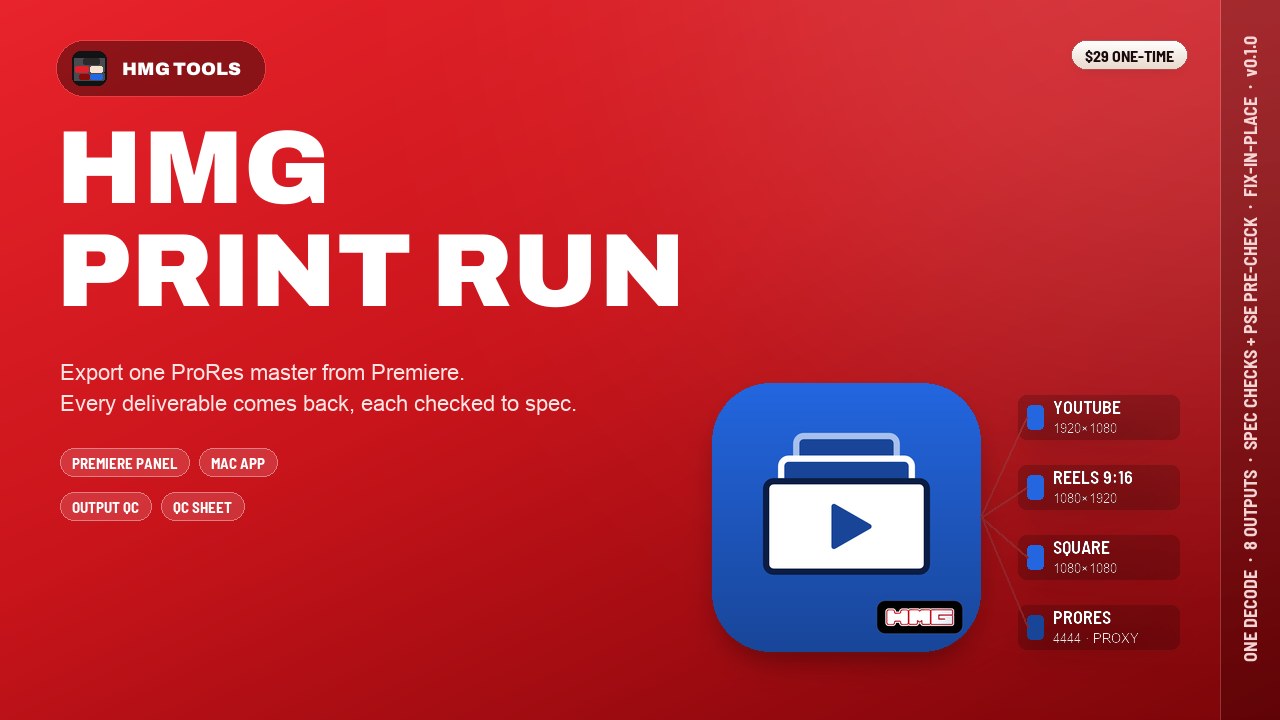
One master. Every deliverable, checked.
One export, every deliverable
Exporting four files from Premiere means four exports and four files to check by eye. HMG Print Run turns that into one export and one checked set.
One master
The Premiere panel exports one ProRes master with a button and hands it to the app. That's the only render Premiere does; it's free again as soon as the master is out.
One pass
HMG Print Run decodes the master once and makes every output from it in a single pass, H.264 through the Mac's hardware encoder: YouTube 1080p and 4K, 9:16, 4:5 and square, a review copy, ProRes 4444 and Proxy, thumbnails.
Every file checked
Each output is held to a delivery spec: codec, chroma, bit depth, size, frame rate, duration, bitrate, colour tags, start timecode, audio, channel layout, loudness, true peak, file name, plus a flash pre-check. A fix that never touches the picture sits beside each failed check.
From one master
- YouTube at 1080p, and 4K when the master has the pixels.
- Vertical 9:16, 4:5 and square: a positioned crop, or a layout designed scene by scene.
- A review copy with burned-in source timecode.
- ProRes 4444 with alpha, and ProRes Proxy.
- Thumbnails per aspect, from a frame you pick.
Specs you can read
- Built-in specs from YouTube, Meta, EBU R 128, ATSC A/85 and Apple Podcasts.
- Platform rules and house choices marked apart on every spec.
- A QC sheet (PDF) and CSV with every run, with your logo on it.
- Naming templates: client, project, aspect and version.
- FINAL V2 re-runs with one click: layouts and names save with the job.
- Mac app and the Premiere panel
- One key, up to five Macs; only the key goes online
- New versions download from your Gumroad library
- Needs an M-series Mac and Premiere Pro 25.6 or later
Picture Lock Pack
HMG Roundtrip + HMG Cue Sheet + HMG Print Run on one key, from picture lock to delivery. It opens when HMG Print Run goes on sale.
FAQ
What do I need?
An M-series Mac on macOS 14 or later. The Premiere panel needs Premiere Pro 25.6 or later; the app also works on its own with any ProRes master. ffmpeg is built in. For the slow best-quality x264 pass, install Homebrew ffmpeg (the app shows the line to copy); without it, Best runs the hardware encoder at its highest setting.
Are the vertical outputs ready to post?
A 9:16 or 1:1 made without a layout is a centre crop of the master with a position slider, which suits some shots and not others. The Layout step is for anything that has to look designed: bands, titles, logos, stills, with the Safe Zone Kit's guides showing what each platform's UI covers.
Is the flash check a PSE certificate?
No. It's a pre-check in Ofcom / ITU-R BT.1702 terms, meant to catch flashing early and mark where it is, with a softened copy on offer. A broadcaster's own PSE test is still the test.
Where do the specs come from?
Each built-in spec carries the published sheet it was checked against and the date. Rules a sheet states are failures; stricter house choices (bitrate ceilings, 8-bit, stereo-only) are warnings and say so. Edit a rule and the spec is marked unverified until you mark it checked again. Platforms change their sheets: check the current one before a delivery that matters.
Does anything go online?
Only the license key, once to activate and about once a month to check it's still good. Masters, outputs and file names never leave your Mac.